01
In each room
Point and shoot
A composition grid and level line help you frame each room. Shoot interiors, exteriors and scenery.
 Listing Camera
Download free
Listing Camera
Download free
iPhone camera app for listings
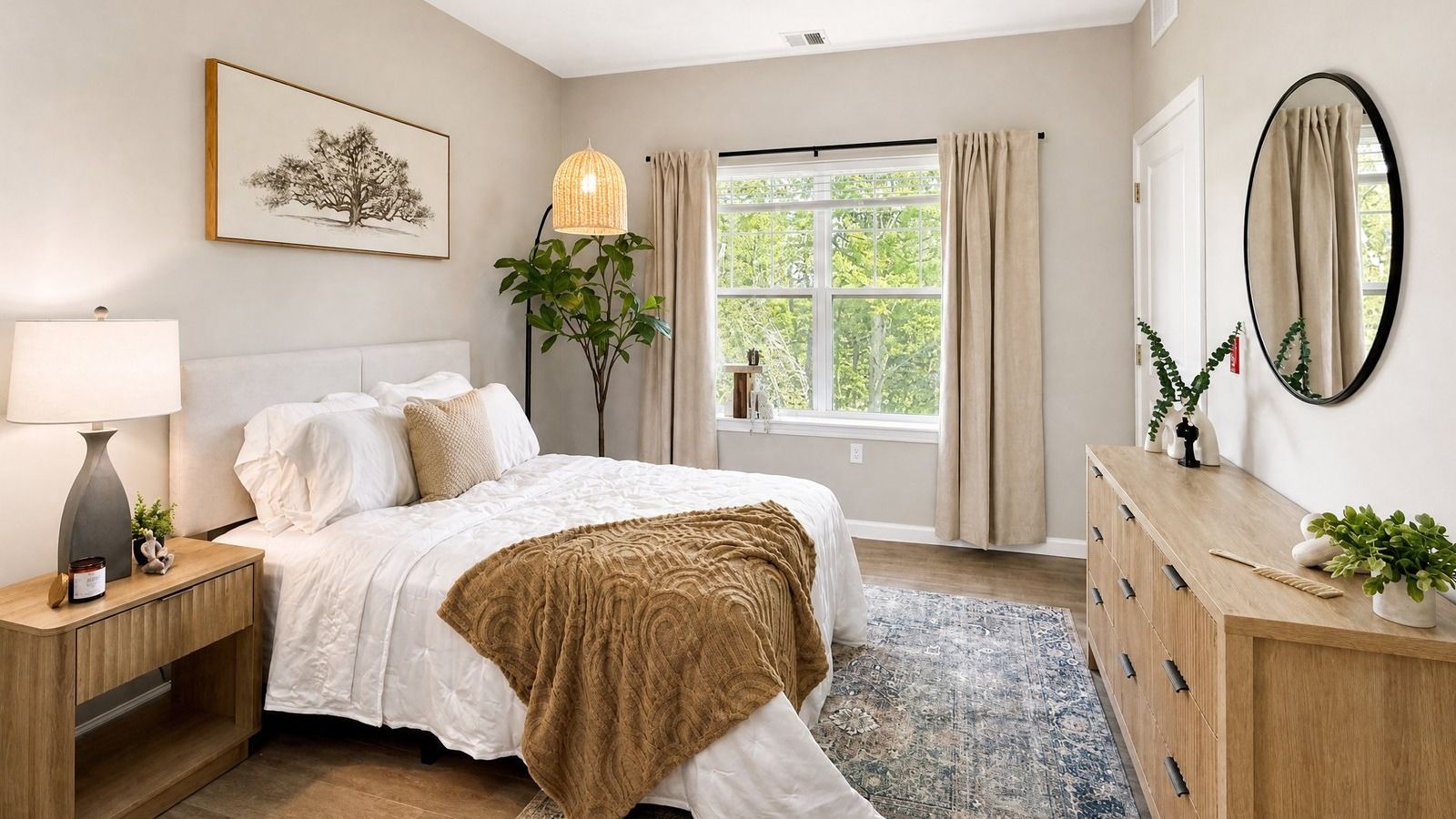
Listing Camera turns your iPhone snapshots into bright, MLS-ready listing photos by the time you walk out the door. Just take the picture. The enhancement is automatic.
See the difference
No editing, no settings, no HDR brackets, no waiting.
Interior
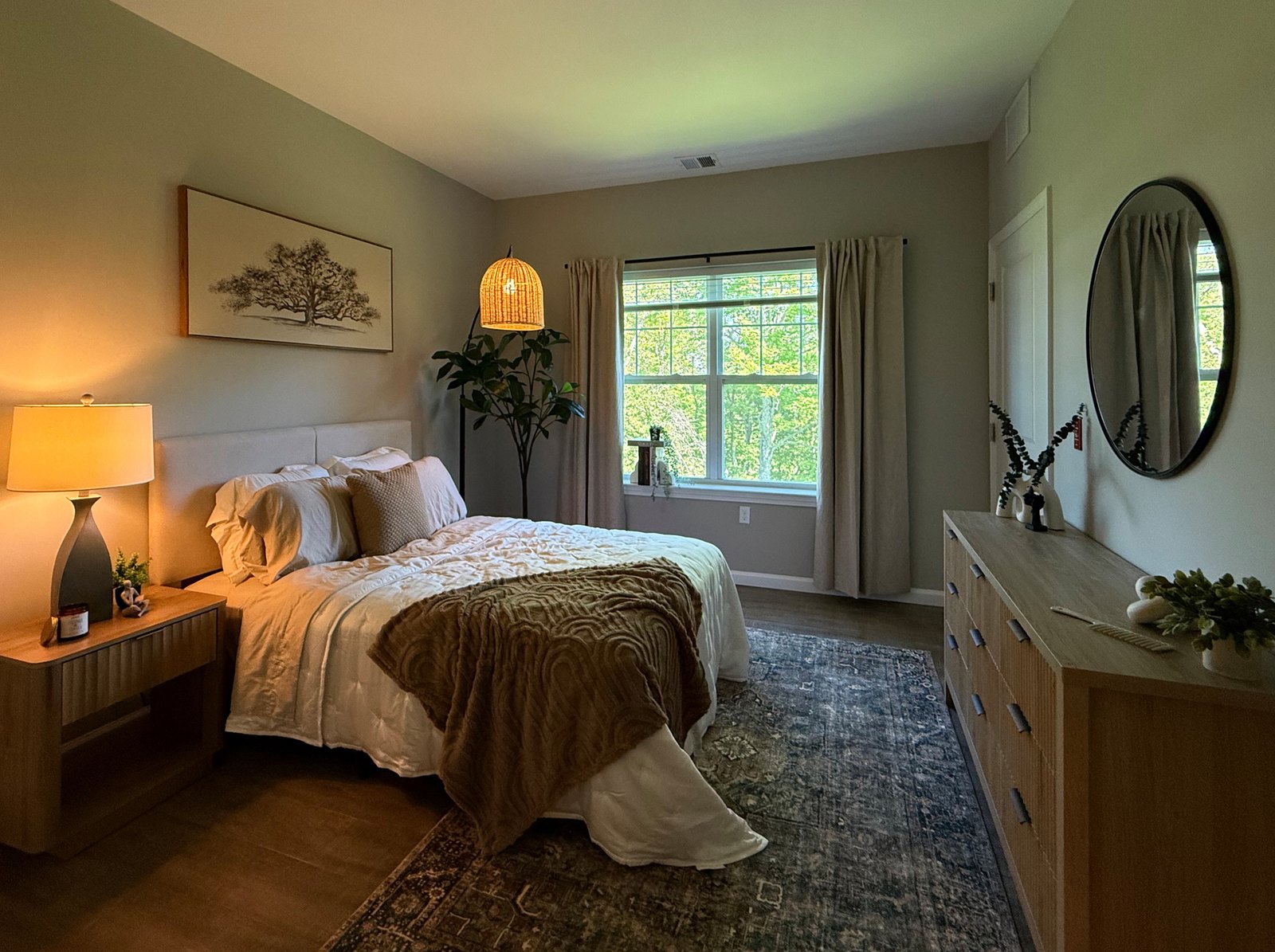
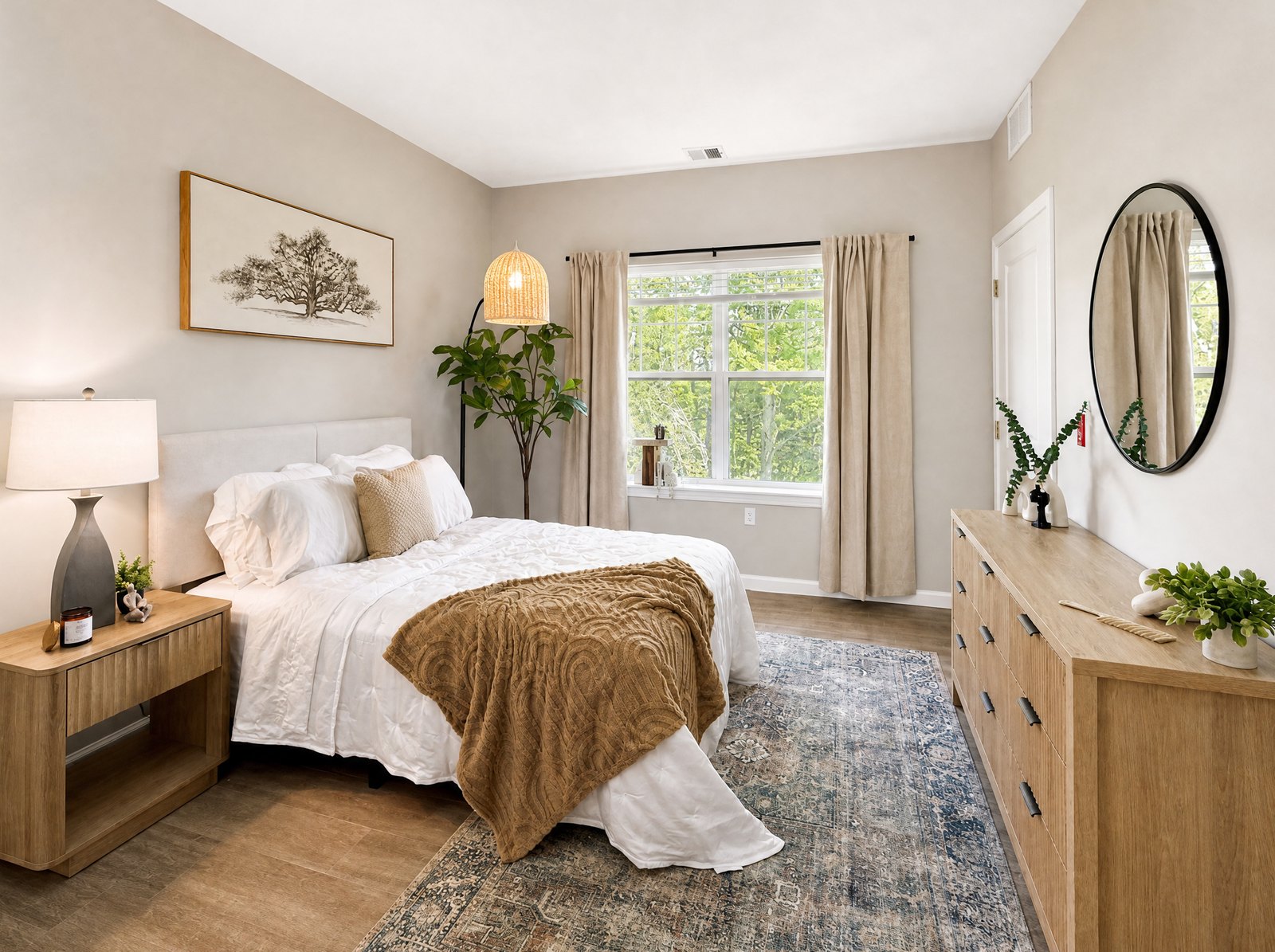 Before
After
Before
After
Exterior
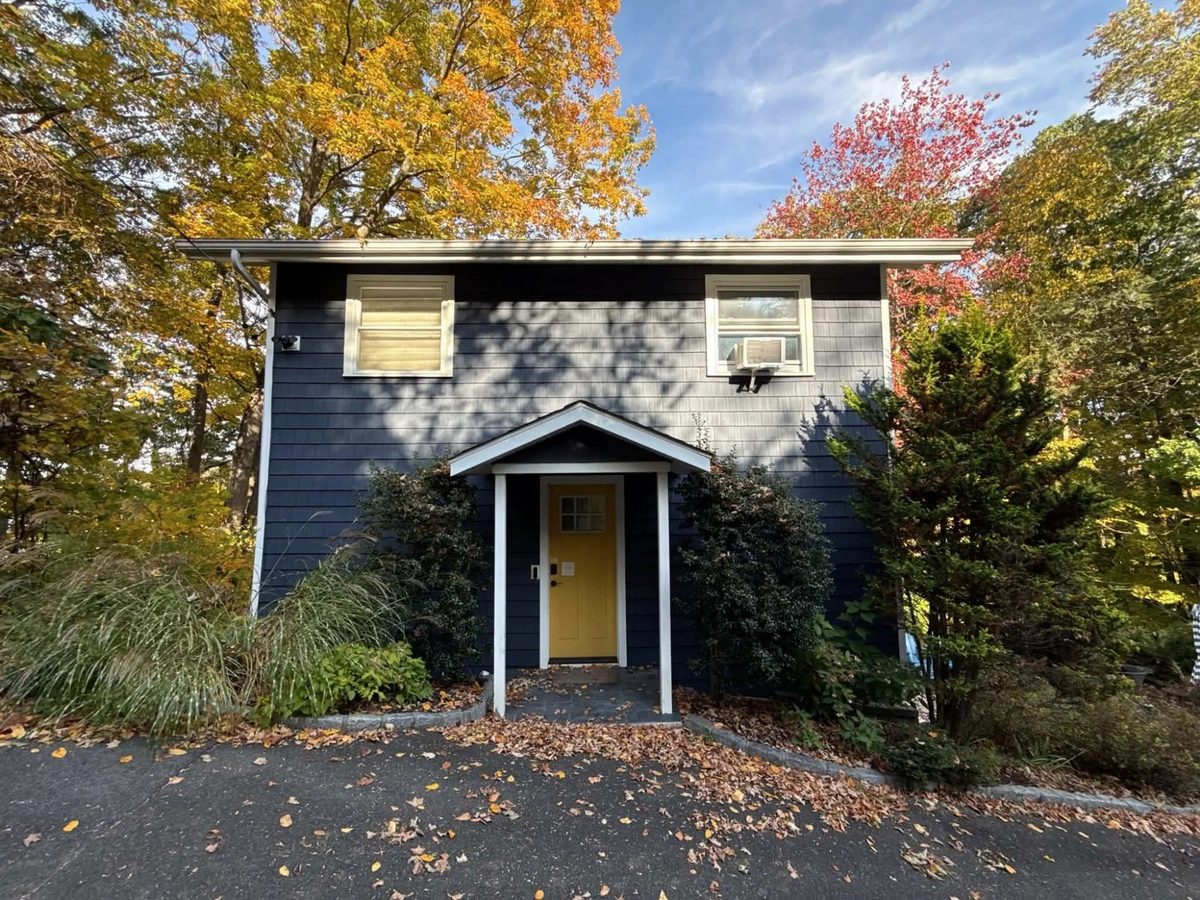
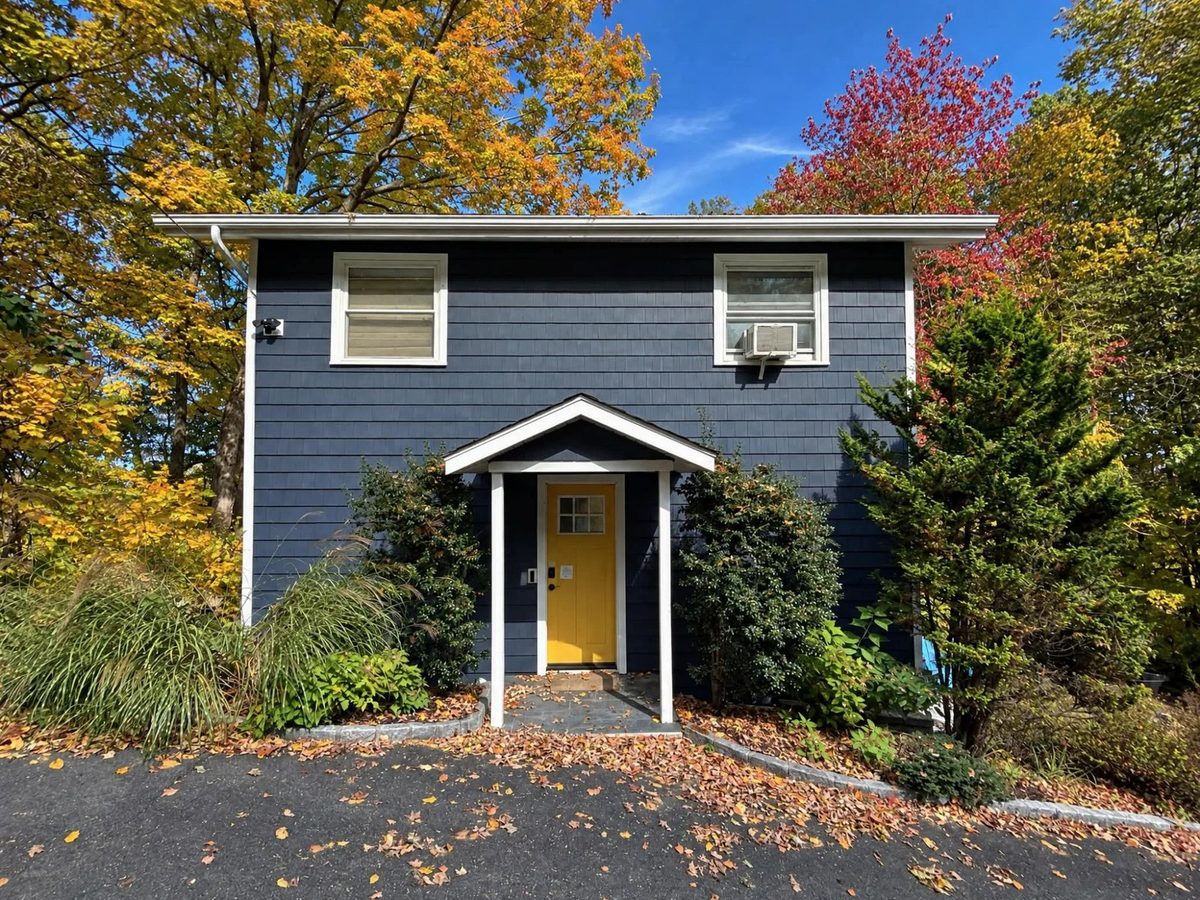 Before
After
Before
After
How it works
01
In each room
A composition grid and level line help you frame each room. Shoot interiors, exteriors and scenery.
02
In the background
AI runs in the background, tuned separately for interiors, exteriors and scenery. You never stop to edit.
03
At the door
Photos are organized by home address, with a before/after for every shot.
Three tough shots, handled
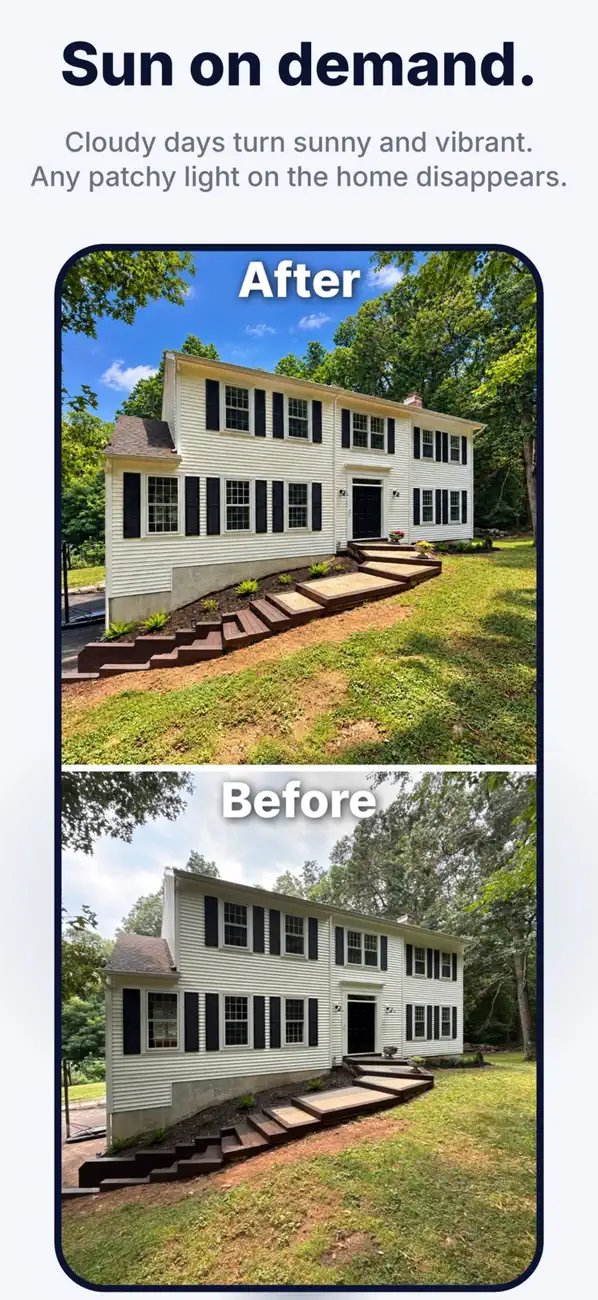
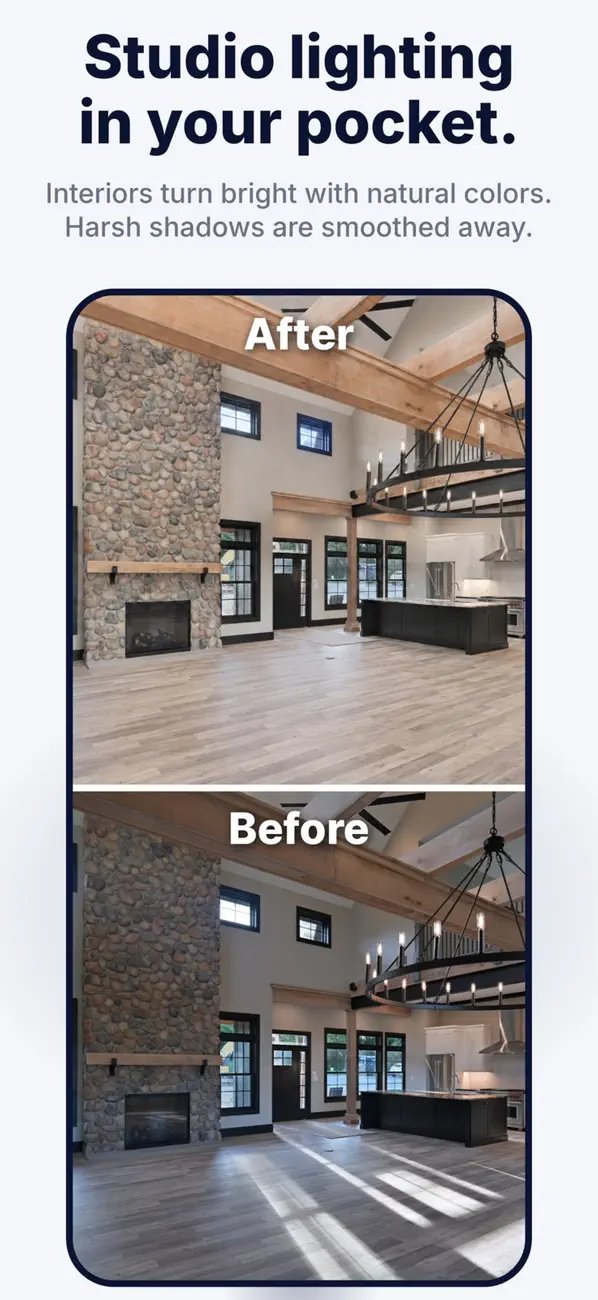
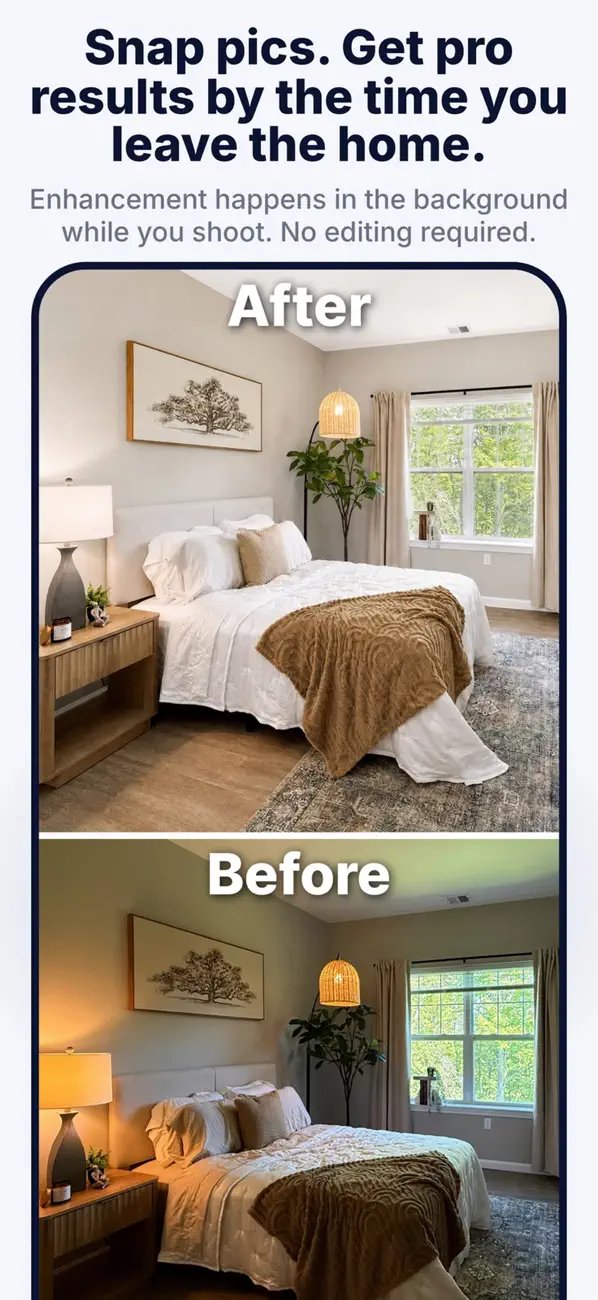
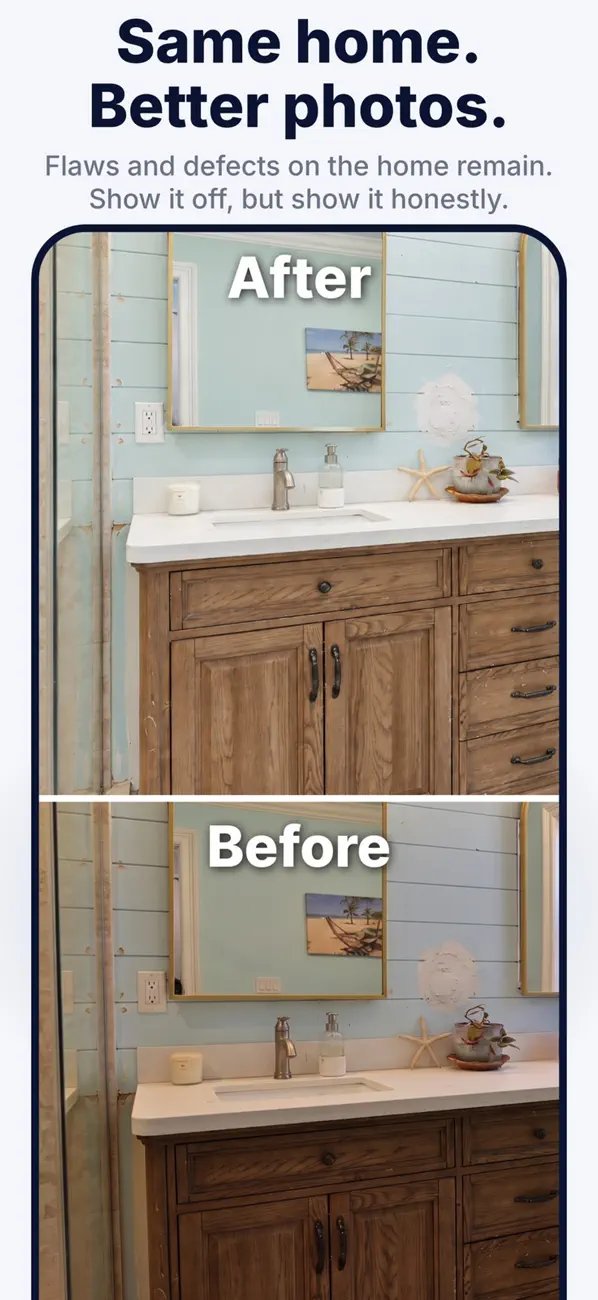
Honest by design
Listing Camera improves the photo, never the house.
Why it's different
| Listing Camera | Hiring a photographer | Editing, HDR & staging apps | |
|---|---|---|---|
| What you do | Take the photo, that's it | Schedule, wait for the shoot | Bracket shots, upload, choose edits |
| When you get photos | About 30-40 seconds a photo, before you leave | Usually the next day or later | After a separate editing session |
| Skill needed | None | None (but you pay per shoot) | Some editing know-how |
| Changes the home's content | Never | No | Often (staging, object removal) |
| Cost | Free to start; $14.99 one-time pack or Pro from $19.99/mo | Per-shoot fee | Varies |
A great photographer is still worth it for a flagship listing. Listing Camera makes sure every other listing looks its best too.
Who it's for
List the same day. Every listing gets great photos, not just the big ones.
Pro-looking photos without the cost.
Rentals and short-term stays that stand out.
Consistent photos across every unit.
Built by a real estate photographer
Listing Camera was created by Mike Yamin, a real estate photographer for almost 20 years who has shot more than 2,500 homes across Fairfield County, Connecticut and beyond. It's tuned to what a pro does on every shoot: even light, true color, straight lines, and an honest picture of the home.
What people say
5.0 on the App Store
★★★★★
“I took a few pictures with my phone and this made them look so much better. They're brighter, cleaner, and look professional. Super easy to use and the difference is night and day.”
say1435, App Store
★★★★★
“I uploaded several pictures at a time and the app created beautifully enhanced photos within seconds. I'm really impressed. Highly recommend.”
Yas Rink, App Store
Also included
Import photos you already have and enhance them.
Save a stacked before/after image in one tap, ready for social.
Send a friend your referral code. When they use it, you get 5 free credits.
Every listing organized by address.
Works on iPhone and iPad (iOS 18 or later).
Pricing
Each photo enhancement uses one credit.
$14.99 one time
25 photos, no subscription needed.
Good for a single home or a FSBO sale.
Download on the App Store$19.99 / month
or $179.99/year, about $15/month, with a 3-day free trial.
50 credits a month that roll over.
Download on the App StorePro members can add 25 credits for $7.99 anytime, right in the app.
FAQ
No. Just your iPhone. Shoot normally; the app does the rest.
Listing Camera improves light, color and clarity without adding, removing or staging anything in the home. Rules vary by MLS, so check yours on edited-photo disclosure.
No, by design. Nothing is added to or removed from the home. Exteriors always come back with a sunny sky, but the house, yard and any wear stay exactly as they are.
Yes, import them from your photo library.
Android is coming soon. For now, Listing Camera is available for iPhone and iPad.
It's free to start with 3 enhancements. For a single home, a one-time Listing Pack is $14.99 for 25 photos, no subscription needed. Pro is $19.99 a month or $179.99 a year (the yearly plan has a 3-day free trial) and includes 50 credits a month that roll over. Pro subscribers can add 25 credits for $7.99. Each enhancement uses one credit.
Each photo enhancement uses a credit. Pro credits roll over month to month.
Free, 3 enhancements included
Your next listing photos are already in your pocket.